 Dino Kids

The seatbelt sign is still on when your four-year-old turns to you: "Can I have the tablet now?" You open the app they love. A spinning circle, then "No internet connection". The tablet is in airplane mode, the in-flight Wi-Fi costs money and drops out every few minutes, and there are still six hours to go.
If you've flown with a small child, you know this moment. This guide covers what to get ready for a long flight with a 3 to 6 year old: the carry-on bag, how to split up the hours, ear pain on the way down, and the step many families skip: testing your child's apps in airplane mode at home, a few days before you fly.
Why so many kids' apps stop working on a plane
Most kids' apps and video services don't keep their content on the device. Every time your child taps, the app fetches a video, a picture or a voice clip from a server. At home you never notice. Switch on airplane mode and everything stops at once.
The usual suspects:
- The app is just a shell. It opens, but every lesson or episode keeps loading.
- It checks your login or subscription online every time it starts, and blocks you on the first screen without a connection.
- Videos have to be downloaded first. Most parents remember this once they're already in their seat.
The only way to know is to test.
The ten-minute airplane mode test
Do this a few days before the trip, on the device your child will actually use:
- Turn on airplane mode and turn Wi-Fi off too.
- Open each app your child uses. Go two or three activities deep, not just the first screen.
- Tap the sound and read-aloud buttons. Some apps show pictures offline but go silent.
- Anything that spins or shows an error either comes off the flight list, or gets opened again while you're online so it can download what it needs.
- Turn airplane mode off, let everything finish, and run the test once more the day before you fly.
Ten minutes on the couch can save an hour of negotiating in row 32.
The carry-on bag for a 3 to 6 year old
- Kids' headphones with a volume limit. Tablet speakers carry across the whole row, and children turn the volume up to beat the engine noise. The WHO and ITU safe listening standard sets a lower limit for children than for adults, so pick headphones with a built-in cap and turn on the headphone volume limit in the device settings as well. Wired headphones never run out of battery mid-flight.
- A fully charged device and its cable. Power banks must travel in the cabin, never in checked bags, and many airlines now restrict using them on board. Check your airline's current rules.
- A few things with no screen. A thin picture book, paper and crayons, stickers. During boarding, takeoff and landing the tablet usually has to be put away, and that's when you'll need them.
- Snacks and a drink bought after security: for bribery, and for swallowing on the way down.
- One familiar thing. A stuffed animal or a small blanket. A familiar smell makes it easier to fall asleep.
Break the flight into small pieces
Most 3 to 6 year olds can stay with one activity for 15 to 20 minutes, not three hours. Instead of handing over the tablet the moment you sit down, split the flight up:
- Waiting for takeoff: watch the planes out the window, read one book, have a snack.
- After takeoff: now the tablet comes out. One coloring page, one letter to trace, then a break.
- The long middle: mix screen time with the meal, a bathroom trip, crayons, a nap.
- When the descent starts: tablet away, a drink in hand, and lots of "we're almost there".
Save one or two favorites for the last stretch, when everyone is tired and tempers are short.
Ear pain on landing
Cabin pressure changes most while the plane descends. Adults swallow or yawn to clear their ears; small children just cry. A drink through a straw, a snack, or a lollipop if your child is old enough all help them swallow. If your child has a cold or a stuffy nose, check with your pediatrician before the trip.
Dino Kids in airplane mode
Dino Kids is our own app, so here is the honest version: what works straight away with no connection, and what needs the app opened once on Wi-Fi before you fly. The app is free with no ads, and you don't need an account. The first screen has a "Start without an account" button, and tapping it doesn't need the internet either.
Built into the app, working from the moment it's installed, even if it has never been online:
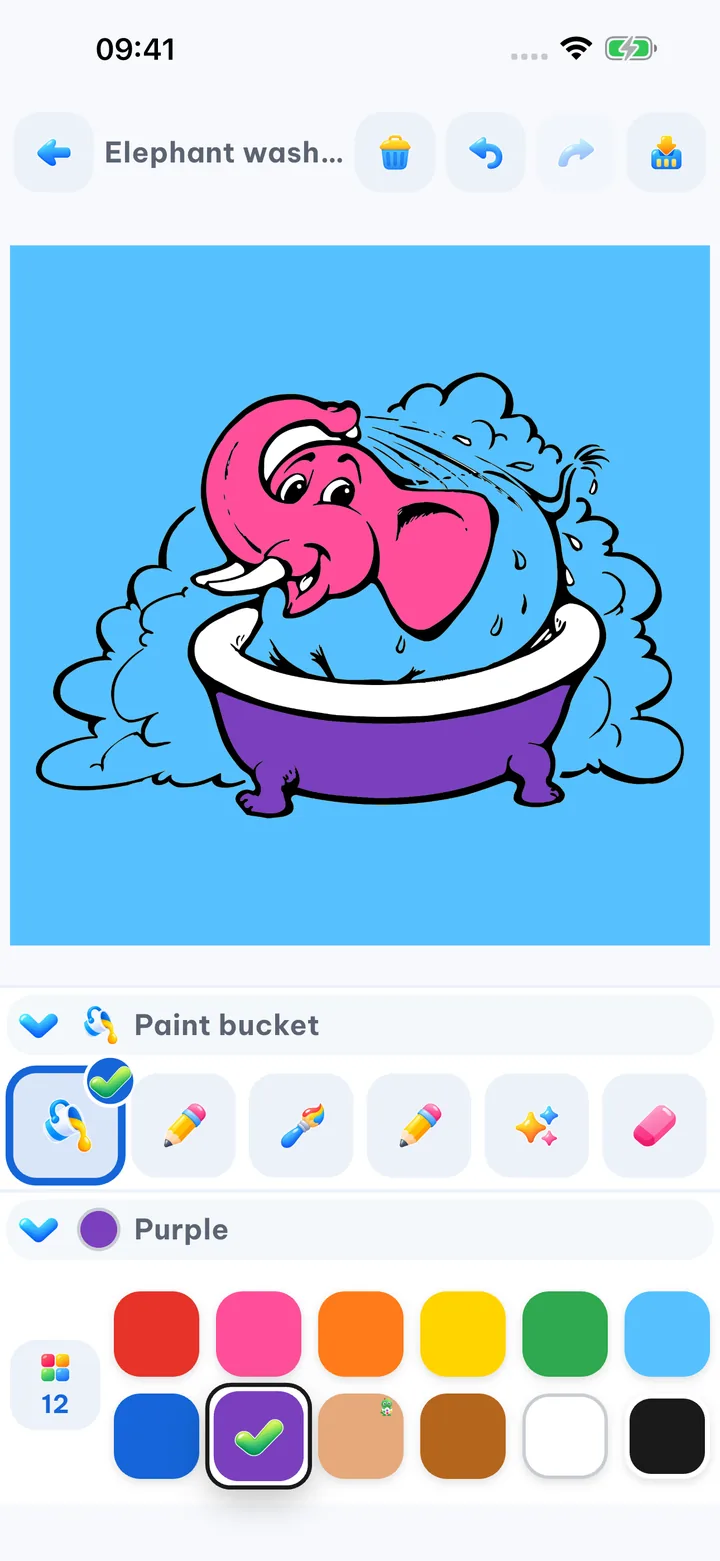
- Coloring: 30 pictures ship with the app, two for each theme. Finished pictures are saved on the device right away.
- Free drawing and Learn to draw lessons, where your child traces each step of a guide line.
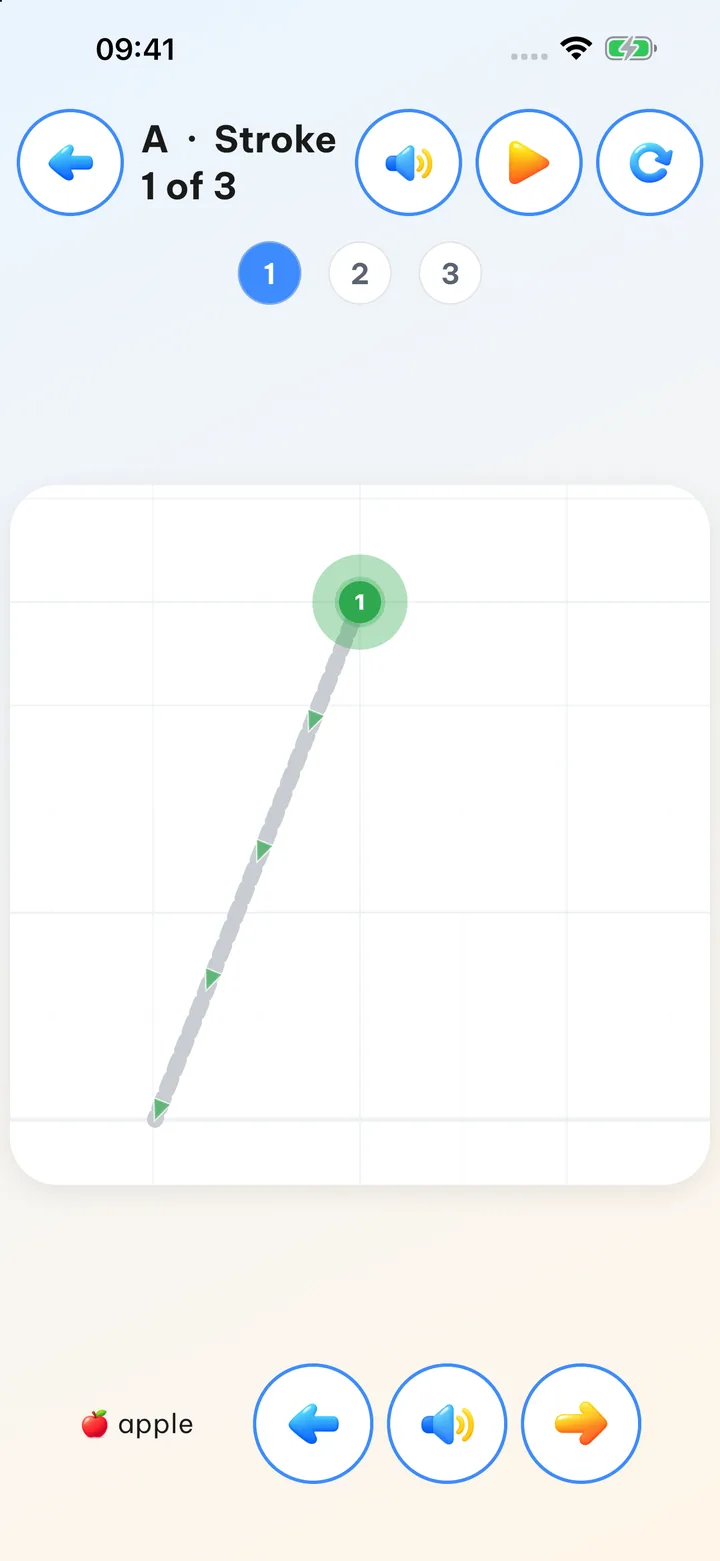
- Write letters and the alphabets: English, Vietnamese, Japanese hiragana and katakana, Korean and Chinese, with each letter read aloud.
- Dino Phonics: English sound-blending lessons and eight short stories, all with audio.
- Learn the piano: lessons, songs and "Free play". The piano sounds are stored on the device.
- Maze, Connect the dots, Join the numbers, Flip cards.
- Any daily time limit you've set in Settings keeps working offline.
Open the app once while you're online, before the trip:
- The full coloring library: the first time the app goes online, it downloads every picture to the device in the background.
- Getting ready for school and Thinking math: a fresh install has only the first few lessons. The rest, and the voice that reads each question, download once the app is online. Voices download for the app's current language, so pick the language your child will use first.
- More math and Times Tables aren't in the install at all. They download the first time the app is online.
- Learn to draw model pictures: the lines to trace are built in, but the finished color picture arrives after the app has been online.
Download ahead on the "Offline data" screen:
- Word cards: pictures and audio for every card, in the languages your child is learning.
- Stories: the text of every story is built in, while the narration and picture book pages download one language at a time. Without downloading ahead, only stories your child has already opened online will have sound.
- Coloring (the full library) and the question voices for pre-school and math lessons: the app downloads these by itself while online; this screen finishes the job in one go, just to be sure.
The night before, on your home Wi-Fi:
- Open Dino Kids, go through the parent gate into Settings, scroll down to the "App" section and tap "Offline data".
- Tap "Download all", or "Download" on just the parts your child will use: stories in the language they listen to, Coloring, Word cards, and Pre-school and Math. The top of the screen shows how much free space the device has, so you'll know right away whether everything fits.
- Keep the app open on screen until every part you need says "Downloaded". If the Wi-Fi drops or the app gets closed partway through, it picks up the missing parts the next time it opens.
- Turn on airplane mode and run the test from earlier one more time.
There's a step-by-step guide with screenshots in "Use Dino Kids offline". And once you're home, if the device feels full, you can delete what your child no longer needs on the same screen; their artwork, recordings, stars and progress aren't touched.
A few more tricks
- Lock the tablet to one app. iPhone and iPad have Guided Access under Accessibility in Settings. Your child can't swipe out to the home screen or open something else.
- Turn the brightness down. It's easier on the eyes when the cabin lights go off, and it saves battery.
- Don't promise "the tablet the whole flight". Agree on the plan before you board: on after takeoff, off for meals, away for landing. Children hand it back more easily when they knew it was coming.
A flight with a small child is rarely calm from start to finish, and it doesn't need to be. Good preparation just makes the hard parts a little shorter.
References
- WHO and ITU (2019), Safe listening devices and systems: a WHO-ITU standard.