 Dino Kids
After learning for a little while, three- and four-year-olds want to go and play, and that is perfectly natural at their age. Playtime is how Dino Kids fits play in between lessons without letting it crowd out the learning: your child finishes a lesson and earns a ticket, each ticket opens one short round of play, the round ends by itself, and your child goes back to learning. You decide how many lessons earn a ticket, or whether your child can simply play freely; the next article, on play ticket rules, shows how.
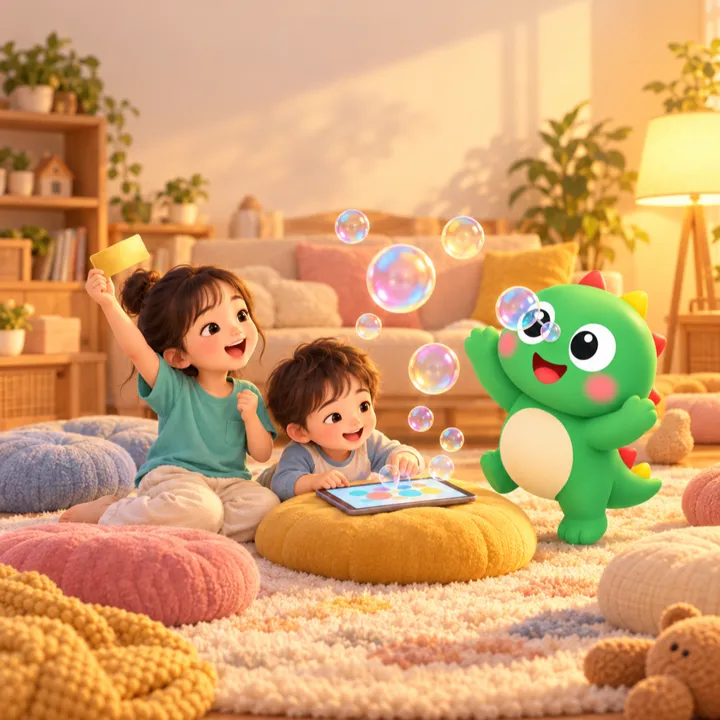
How your child gets into Playtime
1. Tap the Playtime banner on the home screen
The Playtime banner sits right on the home screen. This part belongs to your child, so there is no parental gate: they can tap it themselves.

2. Meet the Dino and choose a game
At the top of the screen is your child's Dino. It starts as an egg, hatches, and grows with the stars your child collects while learning. Next to it, a row of tickets shows how many tickets your child has. Below are the games, along with the Sticker Bag and Badges (scroll to the bottom to see Badges), where your child can see everything they have collected.

Seven games
- Letter Bubbles: for 30 seconds, your child pops the bubbles carrying the letter the app asks for. From the home screen the letters follow the app's language (lowercase a–z in English); straight after a Japanese lesson they switch to hiragana, so playing is also a little revision.
- Catch the Color: your child catches the colour they hear.
- Count and Tap: your child taps as many stars as the app asks for.
- Glow Doodle: everything they draw looks lovely. This one is always open, no ticket needed.
- Maze, Join the numbers and Flip cards: 100 puzzles each. For these three, one ticket is one puzzle.


How your child earns tickets
Tickets only come after lessons: colouring a picture and getting stars for it, finishing a Getting ready for school lesson, writing a letter all the way through, and so on. Once your child has done the number of lessons your rule asks for, a small  You got a play ticket! note appears in the top right corner for about three seconds, then fades away. It has no buttons and doesn't block your child's finger, so the lesson carries on and nothing pulls your child off into a game. When it is time to play, your child goes back to the home screen and taps the Playtime banner. Tickets don't expire. Stickers earned after lessons are kept in the Sticker Bag in Playtime.
When the tickets run out, the Dino says "Go back and learn to get more play tickets!", and the games that need a ticket fade and show a ticket badge in the corner. Only Glow Doodle stays bright, because it never needs a ticket.
Good to know
- Playtime needs no account and no connection.
- Each child has their own tickets. Tickets, stickers and the Dino stay on the device and don't sync to other devices.
- The ticket rule is set for the whole device and shared by every child; how many lessons earn a ticket can depend on your child's age.
- If your child opens a game and leaves before playing, they get their ticket back.